How To Pair My PetSafe® 300/600/900 Yard Remote Trainer Remote and Collar
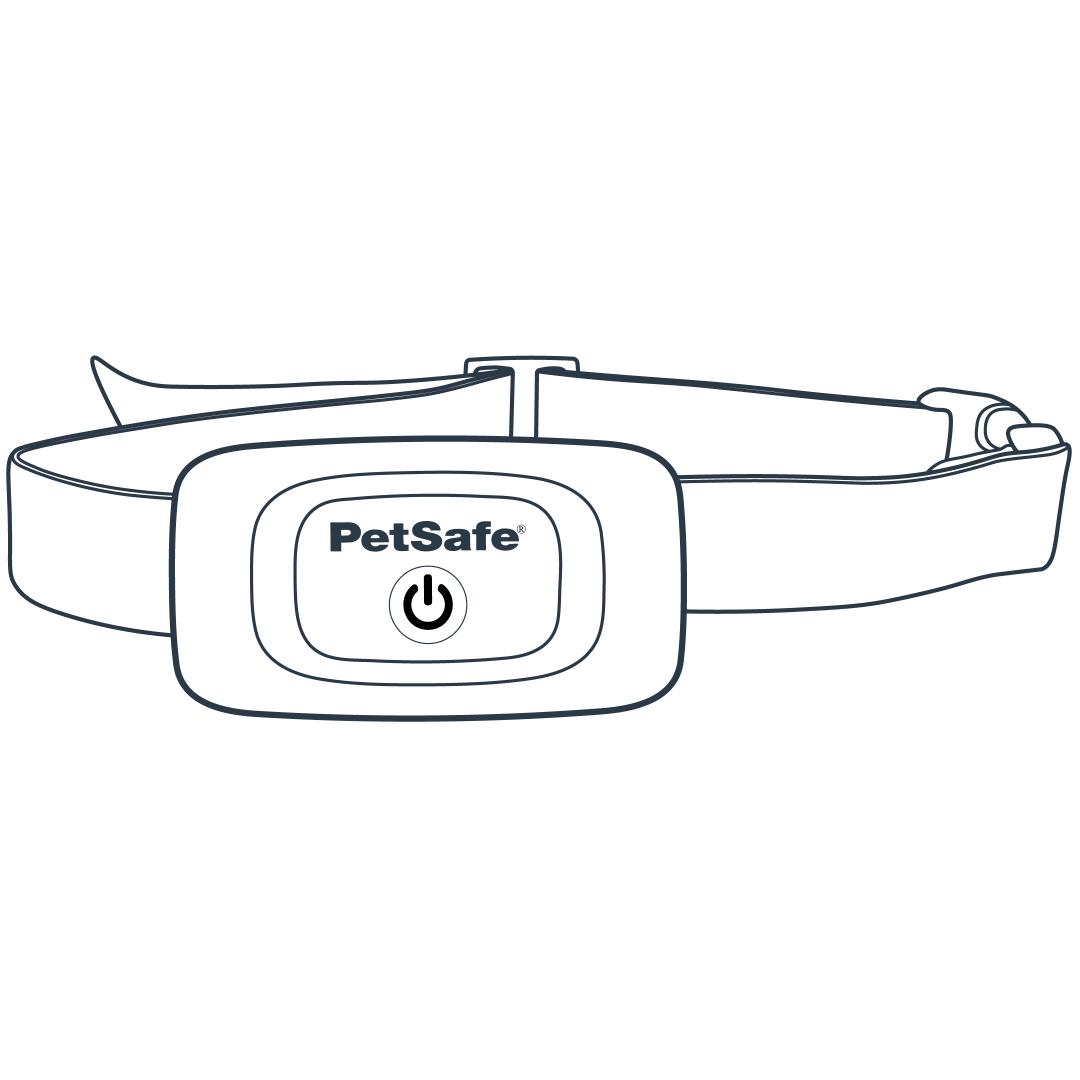
Start with the collar powered off. Confirm it is off by checking that the light is not flashing.
To power the collar off, press and hold the power button until you hear the collar beep high to low.
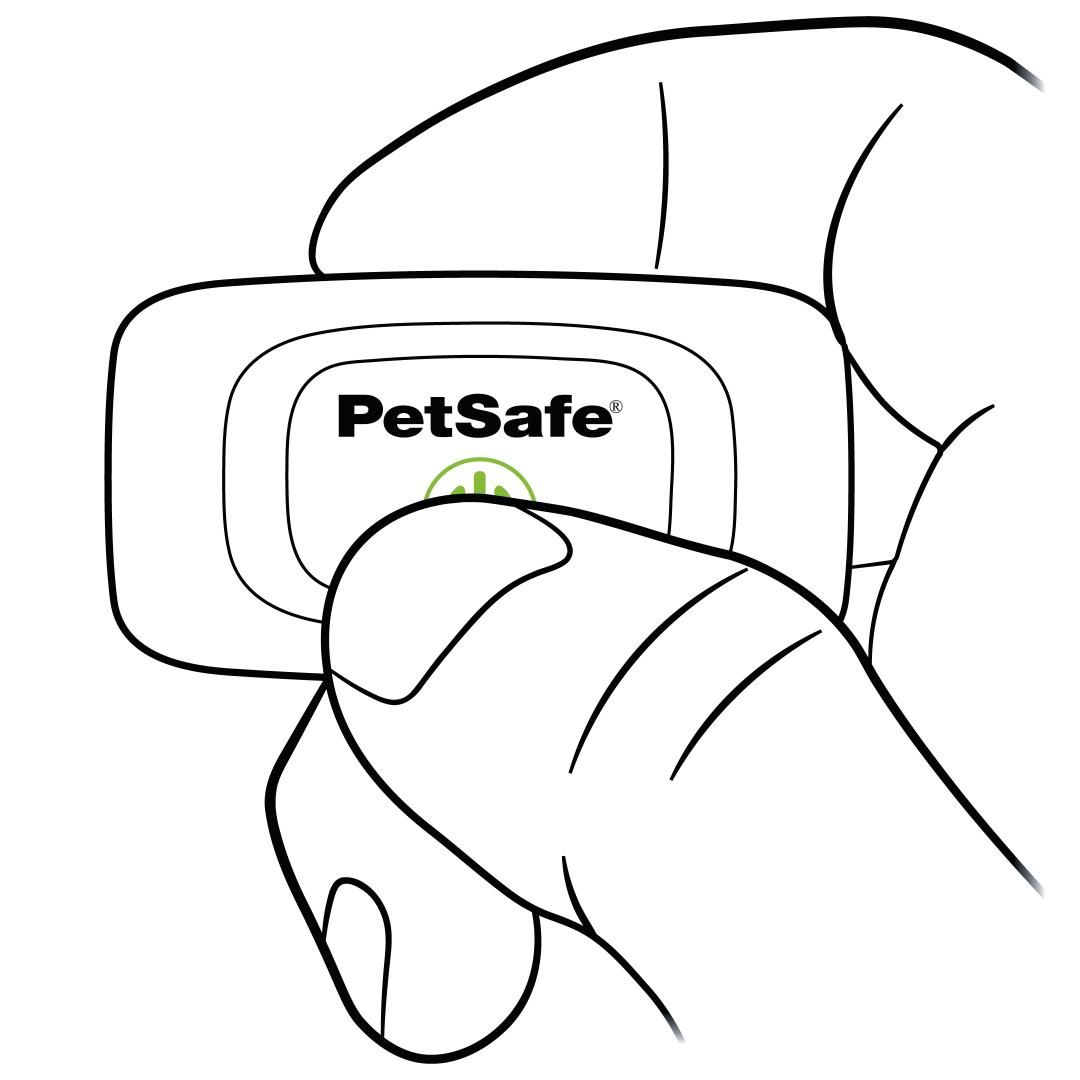
Press and hold the power button. The light will glow solid green. Continue to hold the button until the light goes out, then release.
Note: The light can be hard to see when holding the button on the collar. Press the button at an angle to see the upper half of the button while holding.
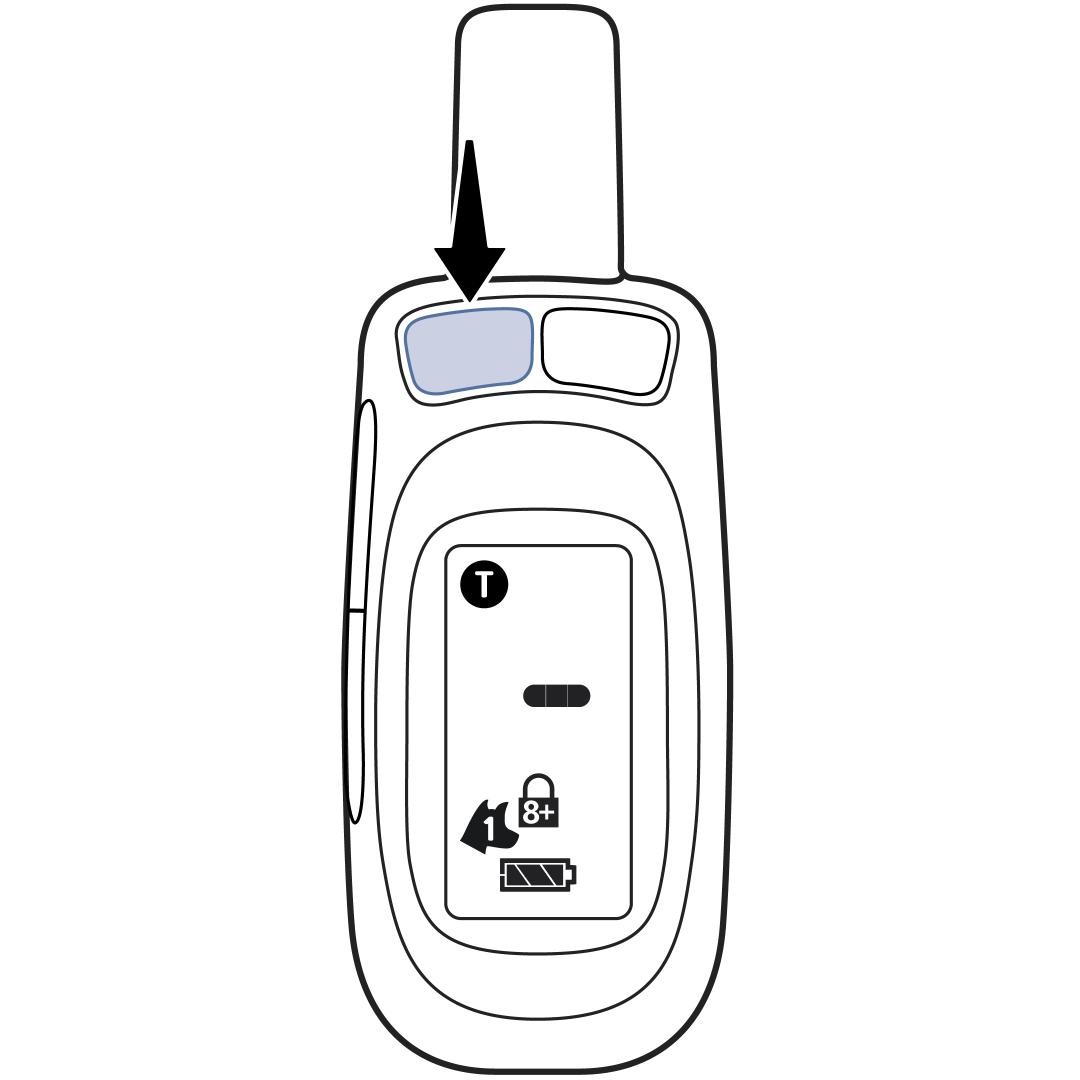
Press and hold the upper left button on the remote to pair the collar.
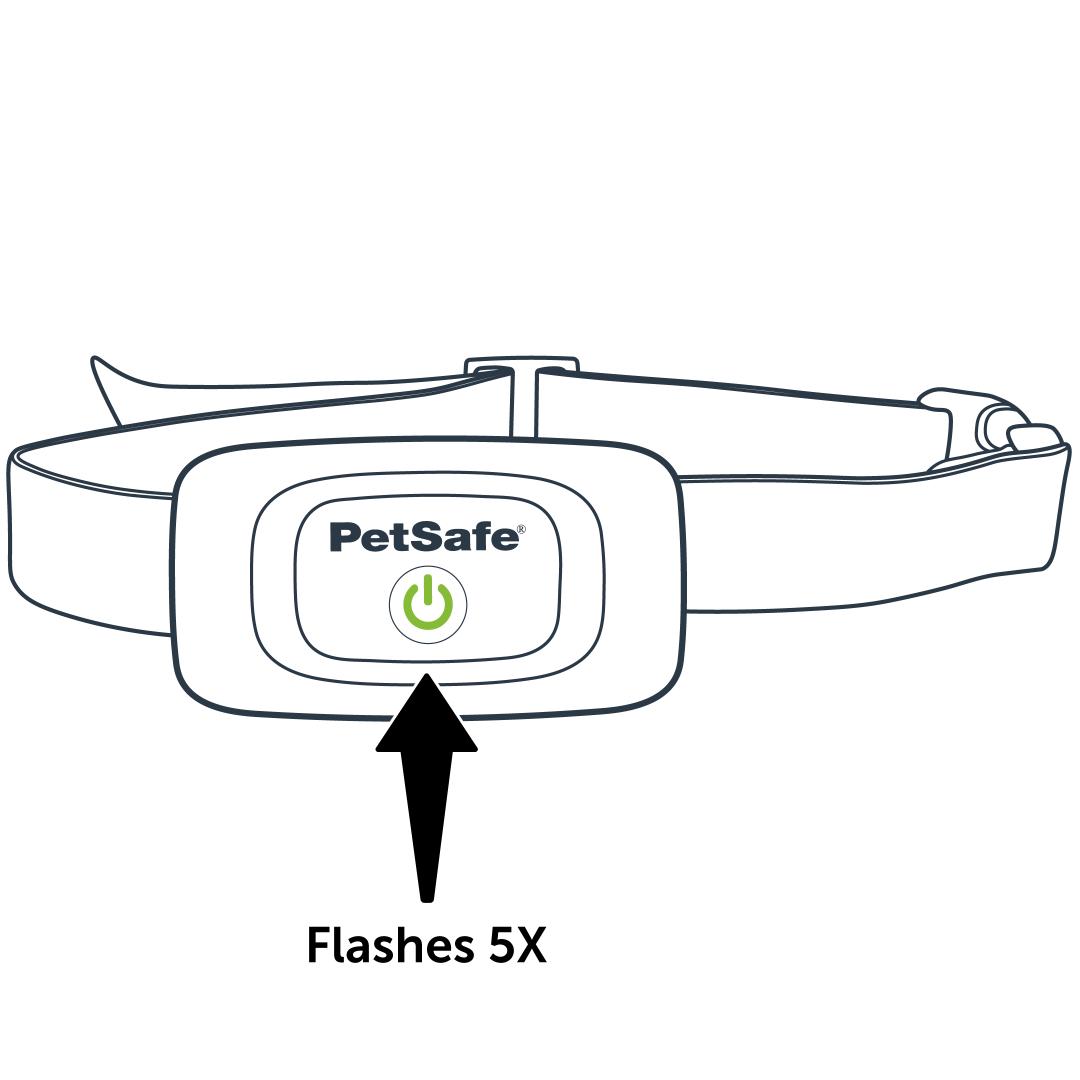
The collar will flash five times and then begin beeping to confirm it is paired. Release the button and test to confirm it is properly paired.
For more information, go to our article on How To Test Each Function on My PetSafe® 300/600/900 Yard Remote Trainer.
Pairing a Second Collar
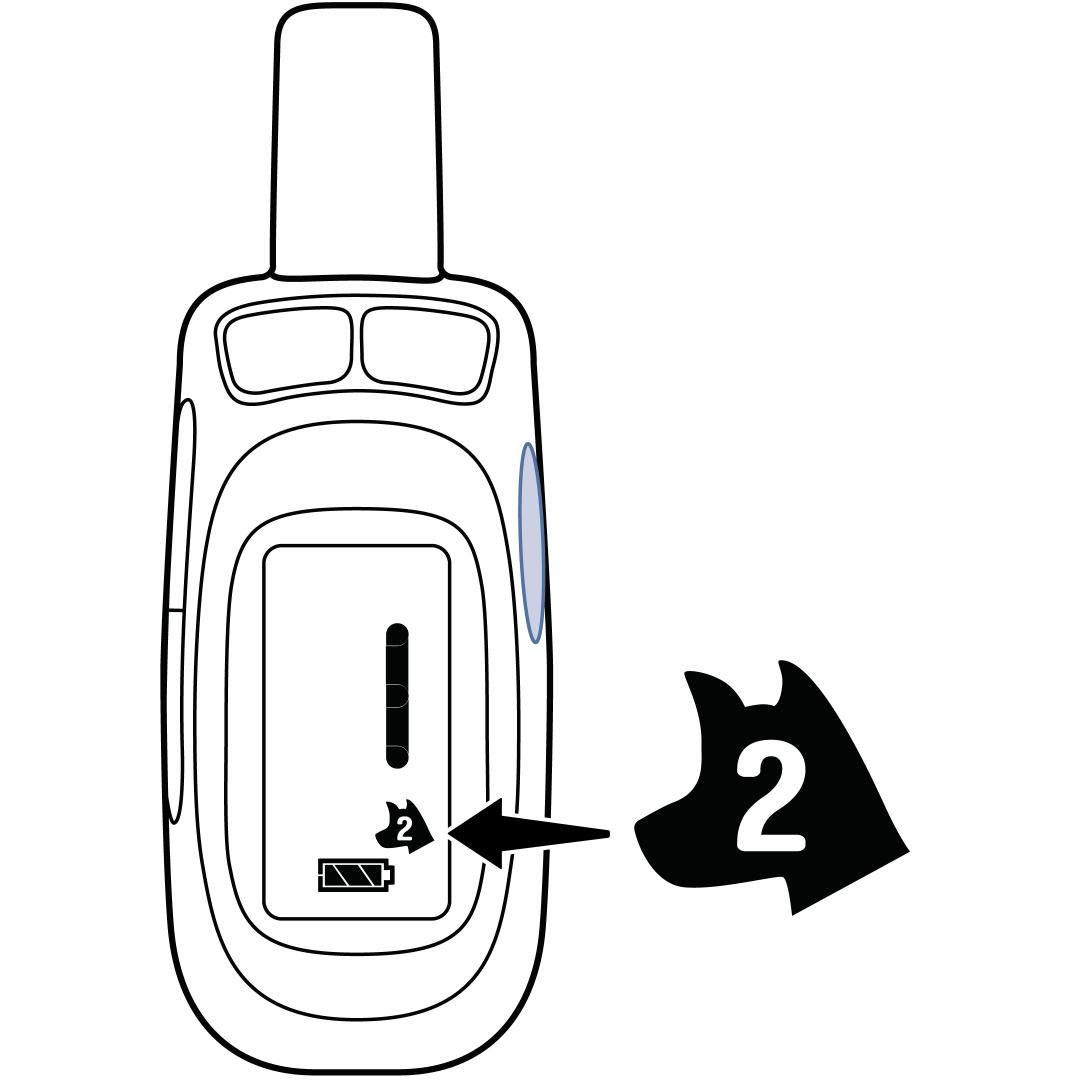
Press the button on the right side of the remote to switch to Dog 2.
If the Dog 2 icon does not appear when the right side button is pressed, you may need to activate Dog 2. To do this, press and hold the right side button on the remote until the Dog 2 icon starts flashing, then release.
Once Dog 2 is selected and displayed on the screen, follow the above pairing steps.
If you need to remove Dog 2, press and hold the right side button on the remote until the Dog 1 icon starts flashing, then release.
Contact Customer Care
If you need further assistance, please contact our customer care team.