How To Test Each Function on My PetSafe® Remote Spray Trainer
Test the Spray Function
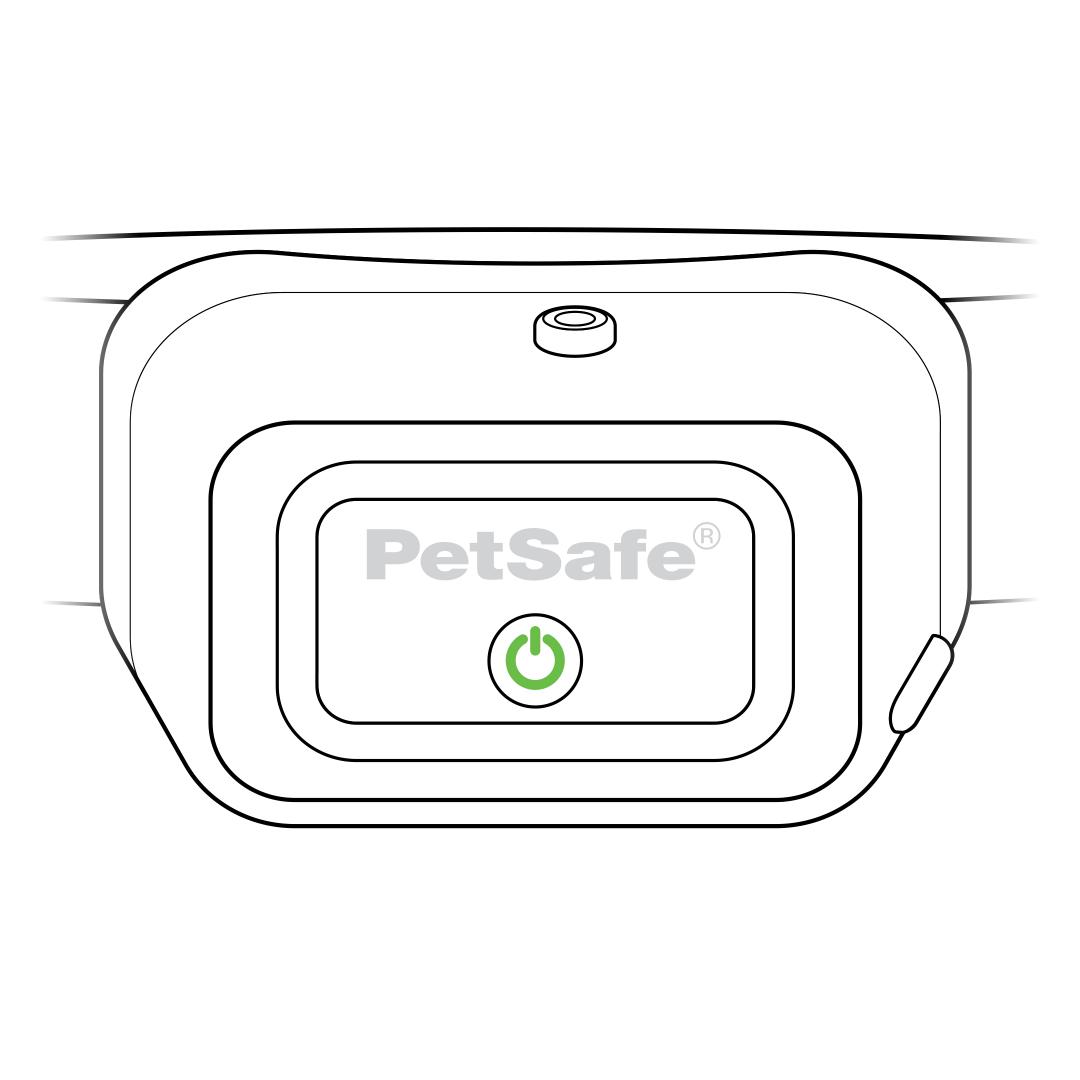
Confirm the collar is powered on, indicated by the indicator light flashing green once every 5 seconds.
To power the collar on, press and hold the power button until you hear the collar beep low to high.
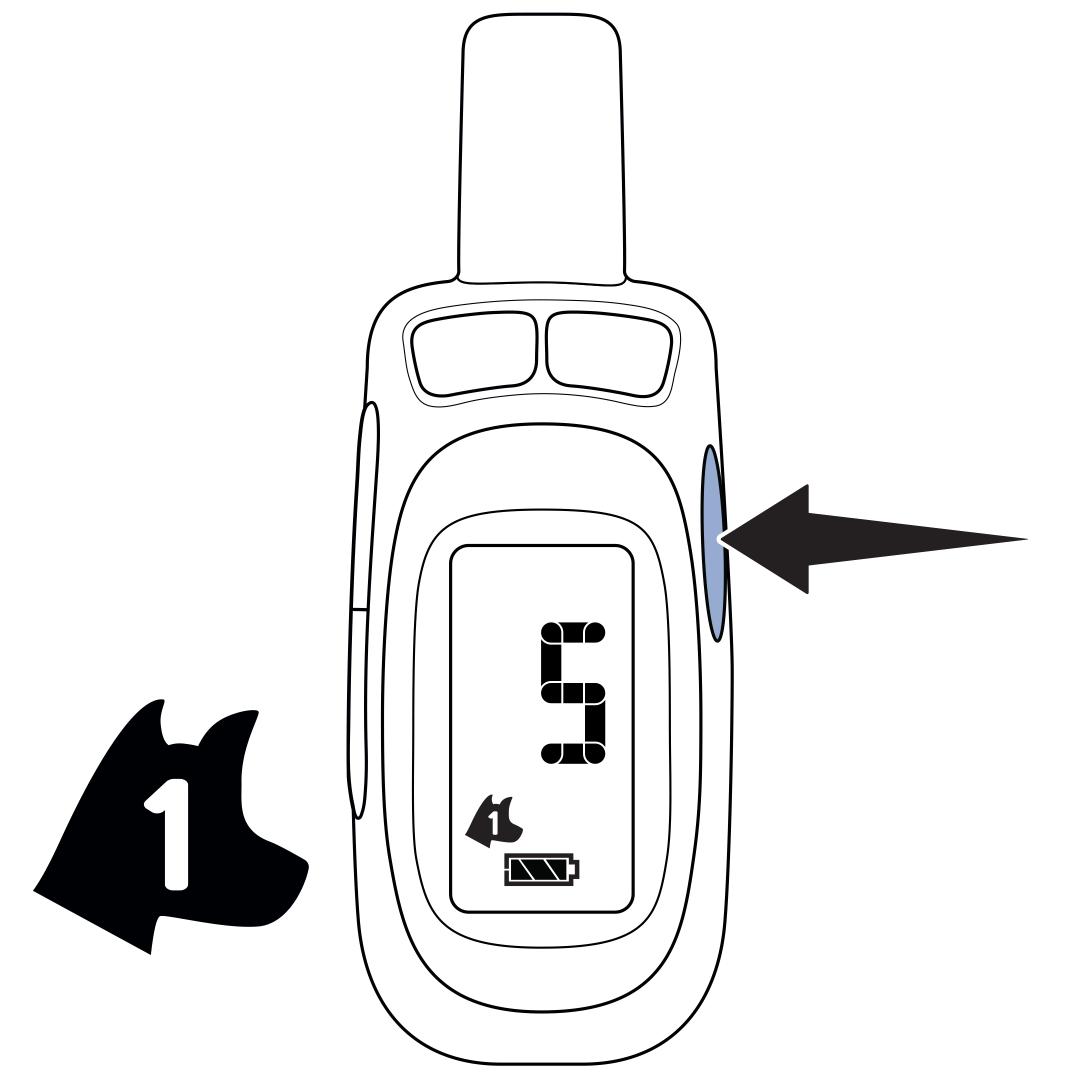
If you are using two collars, use the button on the right side of the remote to select the dog for the collar you will be testing.
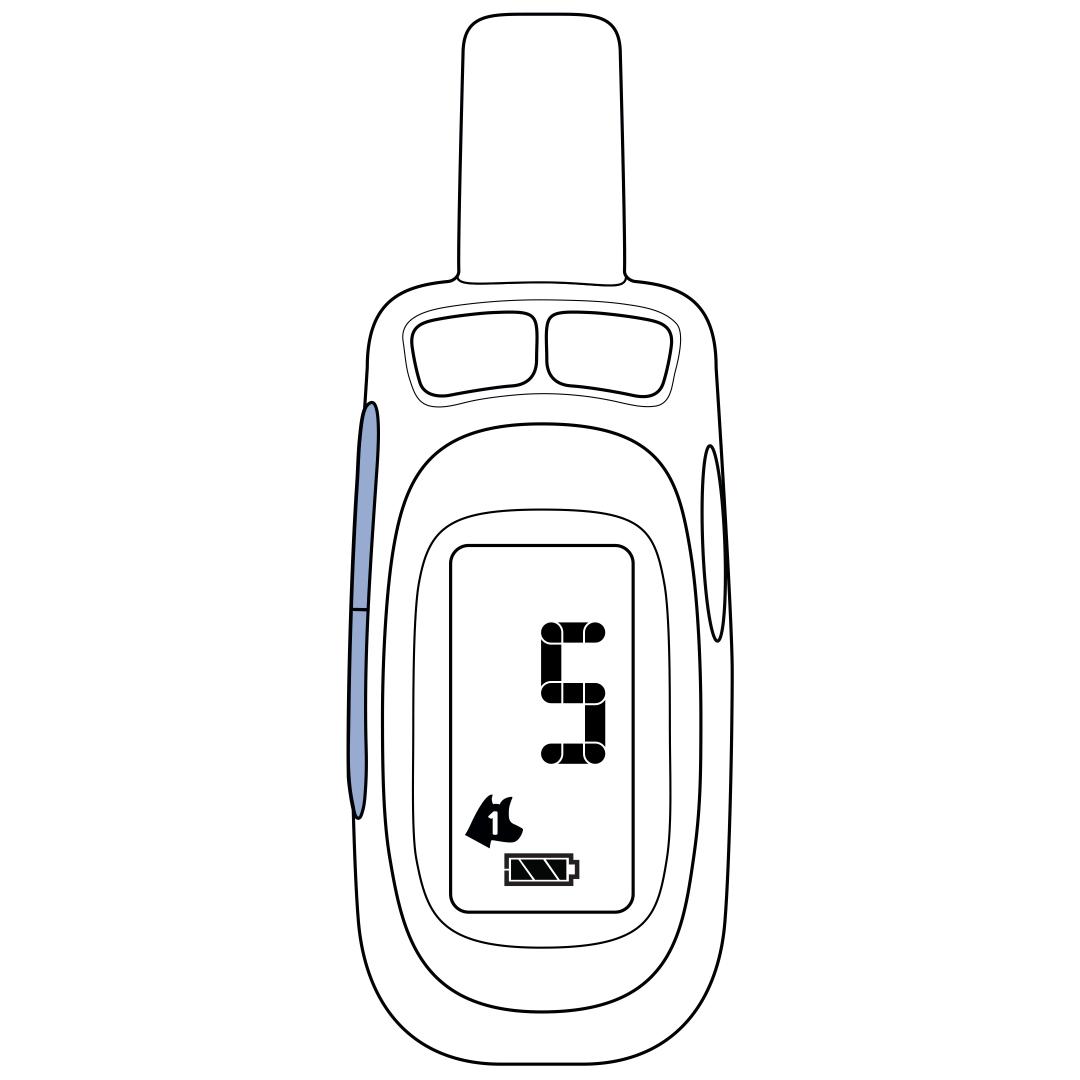
Use the upper button on the left to set the remote to level S, which is for spray.
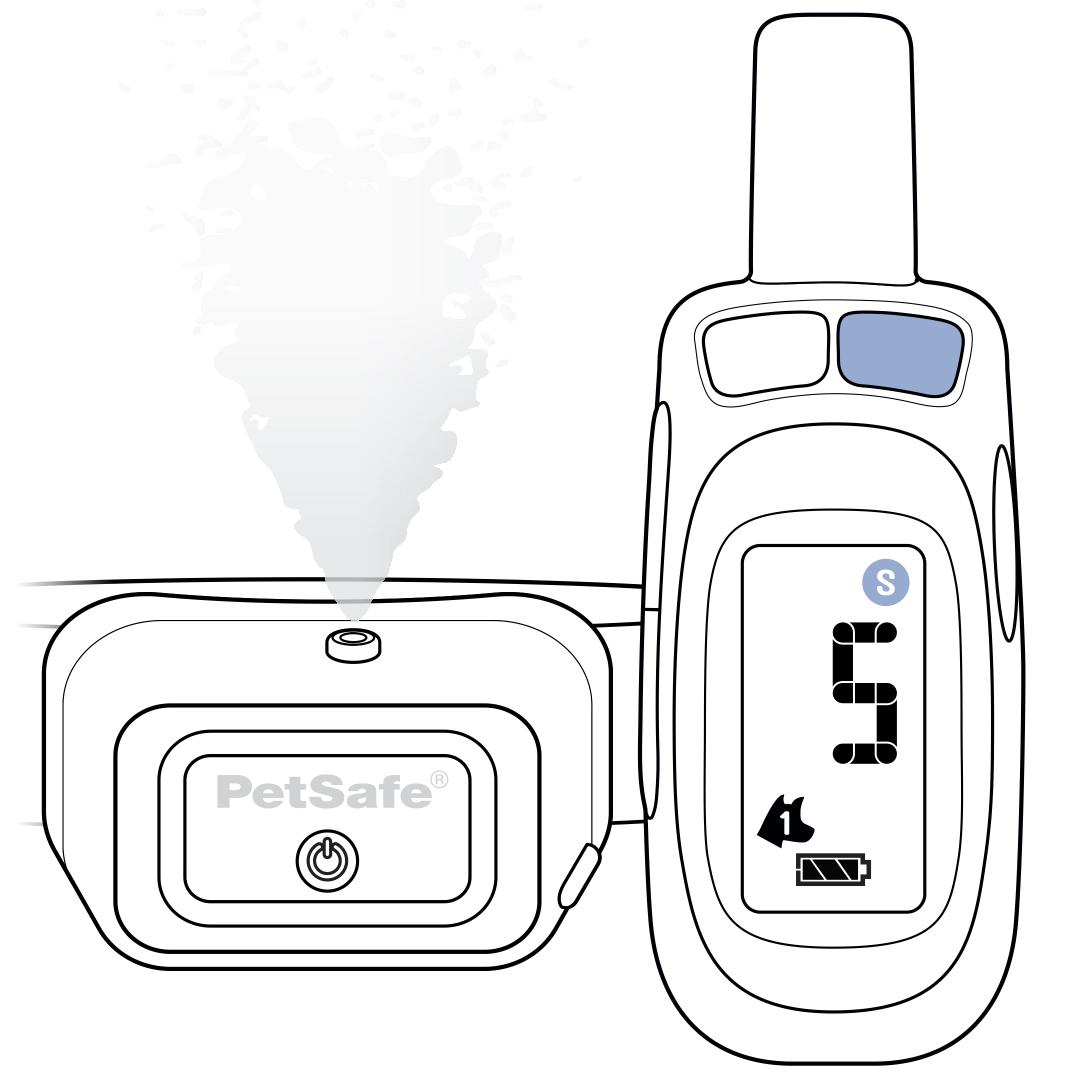
Hold the collar with the nozzle facing up and angled away from you. Press the upper-right button on the remote. The remote will show S to indicate a spray is being sent and the collar will emit a spray.
Test the Vibration Function
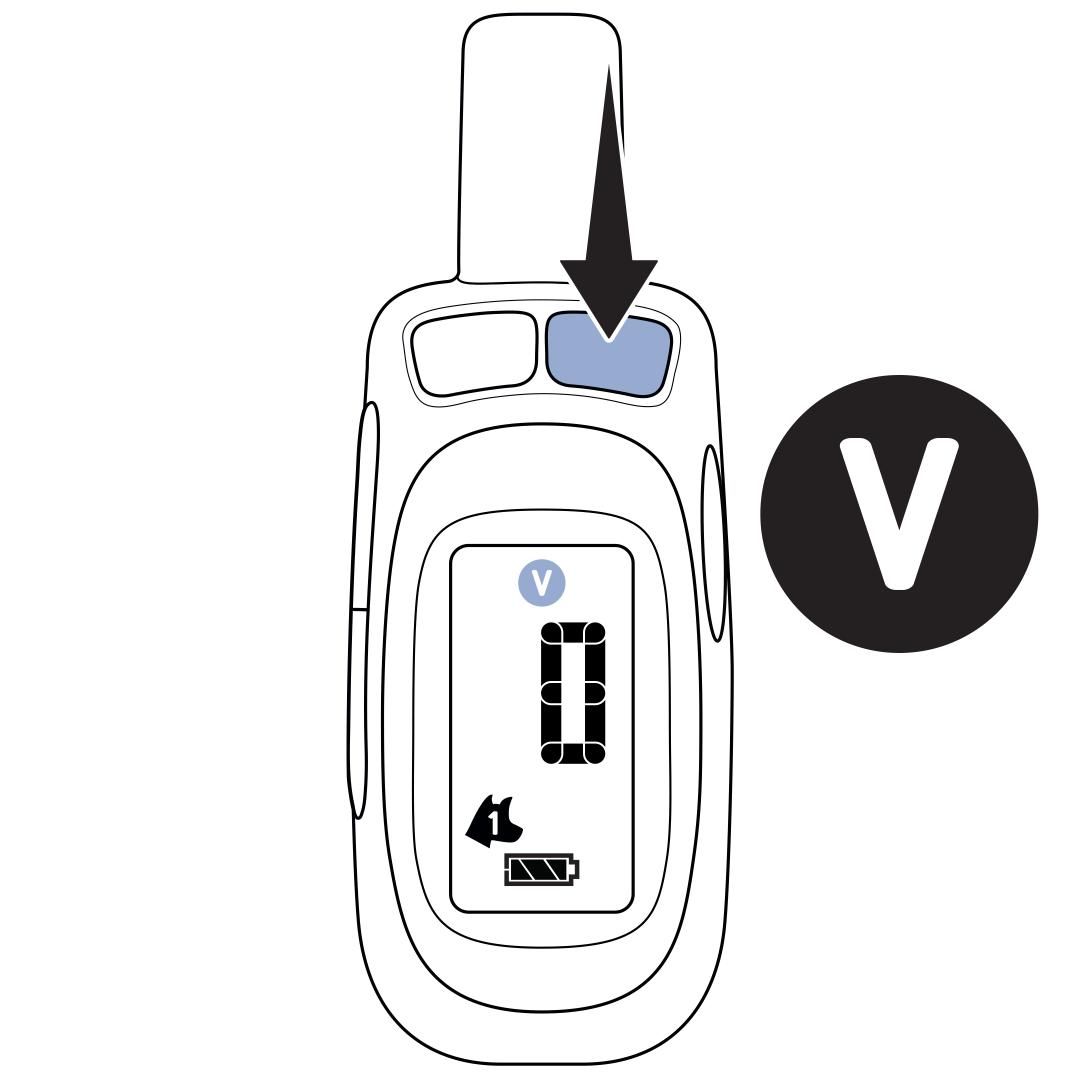
Use the lower button on the left to set the remote to level 0, then hold the upper-right button. The remote will show V to indicate a vibration is being sent and the collar will vibrate.
Test the Tone Function
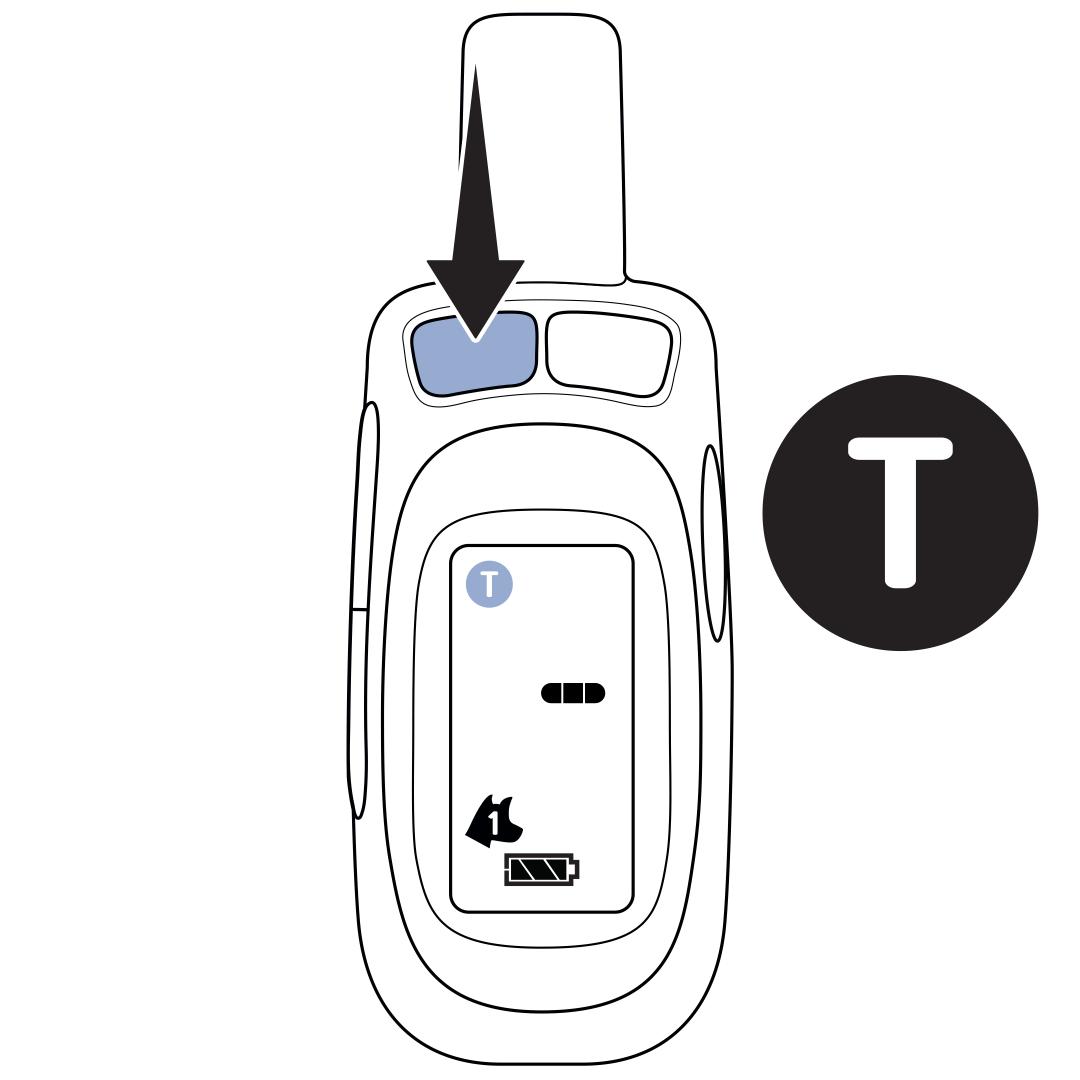
Press and release the upper-left button on the remote. The remote will show T to indicate a tone is being sent and the collar will tone.
No Response
If the collar does not respond to the remote, you will need to reconnect the remote and collar. For detailed instructions, visit our article How To Pair or Add a Collar to My PetSafe® Spray Trainer Remote.