How To Update the Payment Method for My PetSafe® GPS Dog Tracker Subscription
Important: If you purchased your Tracker subscription in the My PetSafe® app, you need to create a PetSafe® website account to make changes to your subscription. Your app account and website account are separate, but both must use the same email address.
Update Payment Method
Updating the card info will update the card for all subscriptions.
Create or Access your PetSafe Account.
If you purchased a Tracker subscription in the My PetSafe® app, you must create a PetSafe® website account before you can make changes to your subscription. Click here and select Create Account. Enter your information to create your PetSafe® account, making sure to use the same email address you use for the My PetSafe® app.
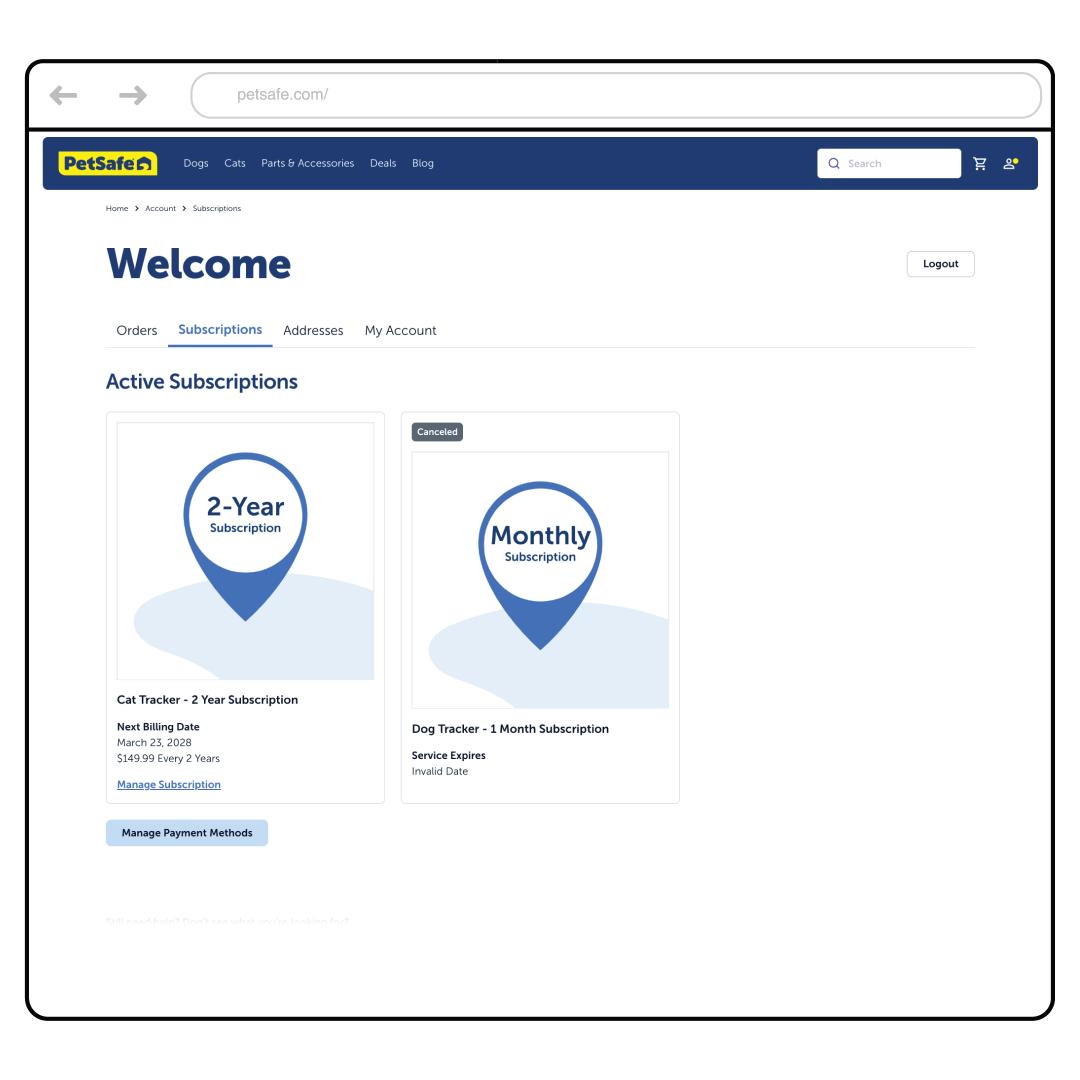
Go to the Subscriptions tab.
Scroll down and choose Manage Payment Methods.
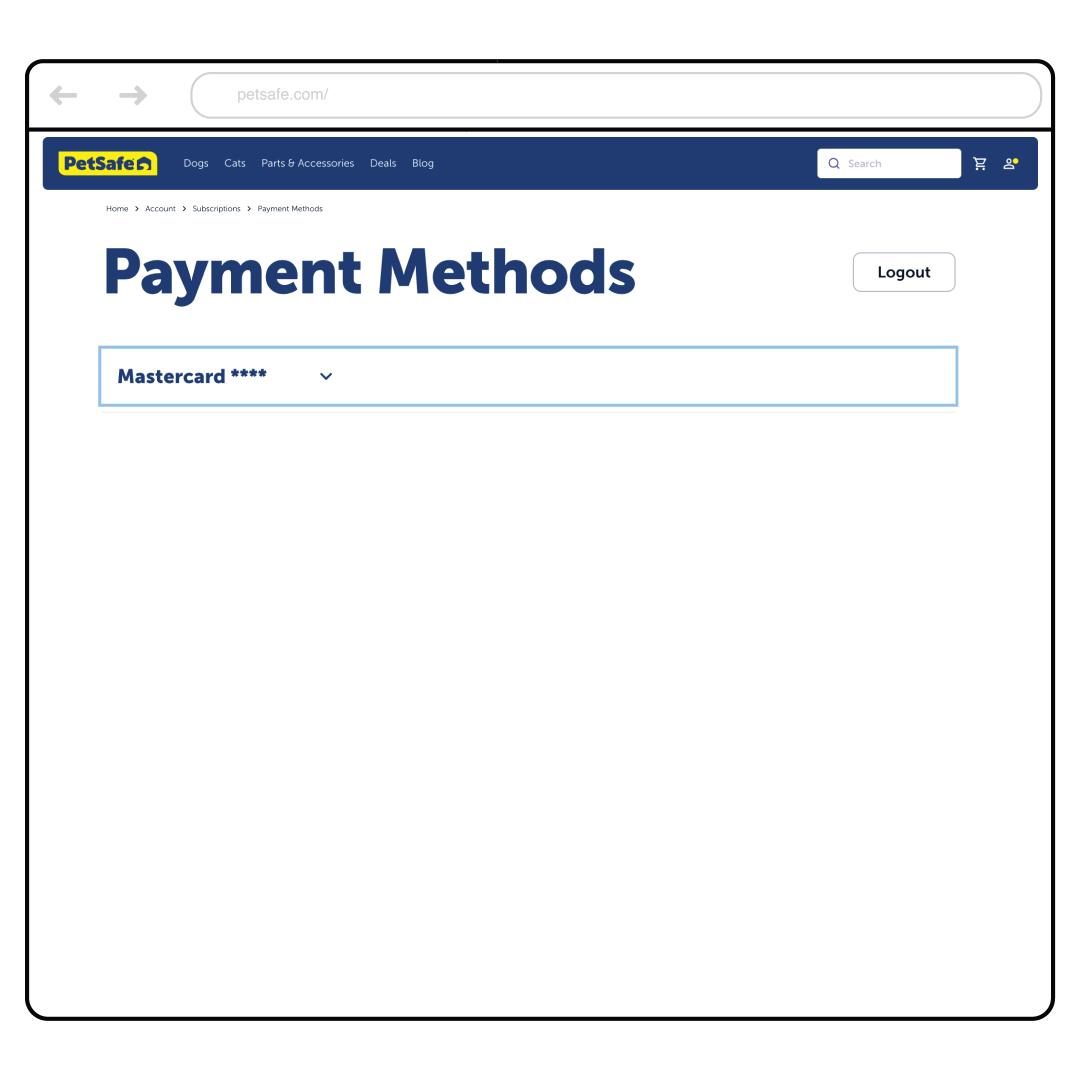
Select the arrow next to your card information.
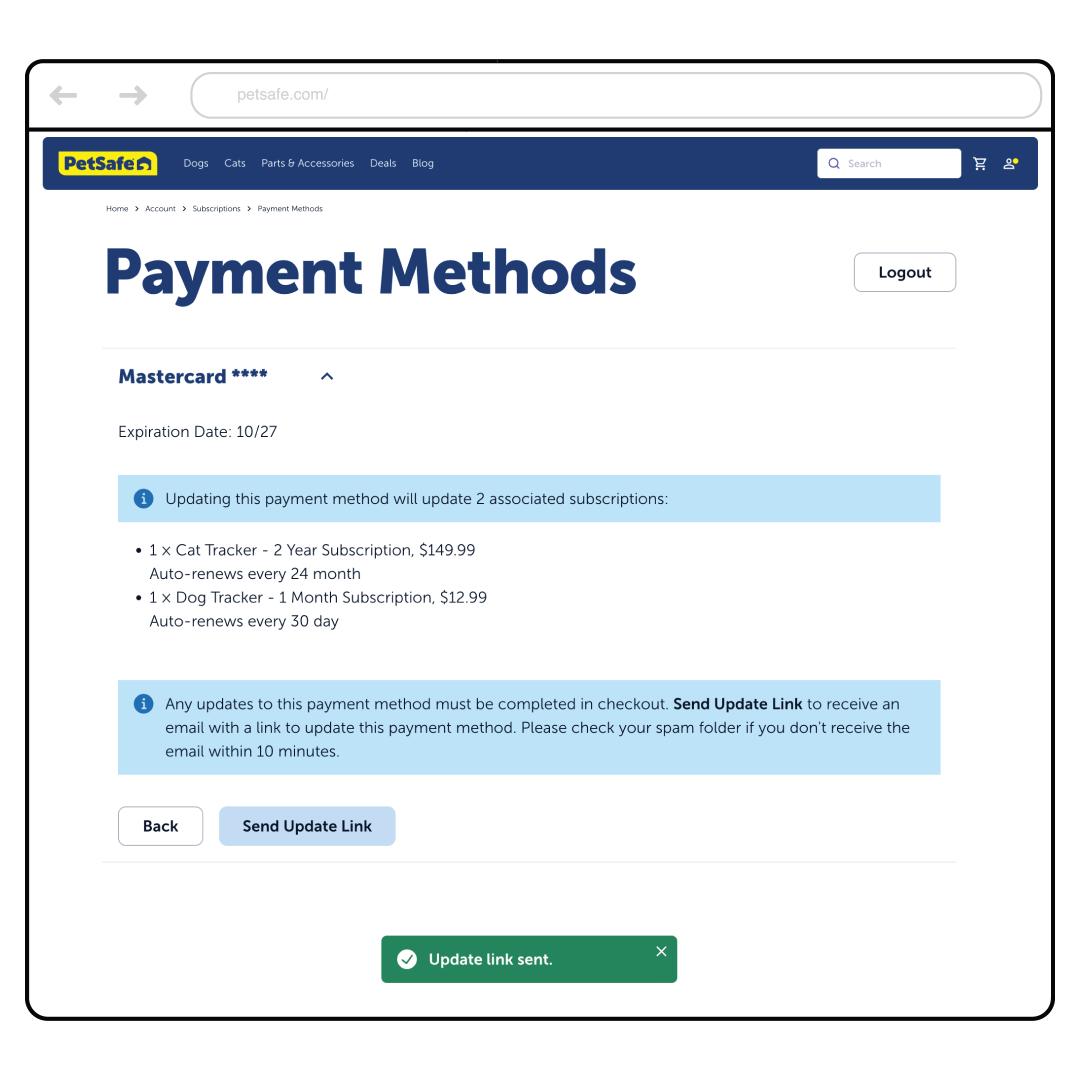
Select Edit, then select Send Update Link.
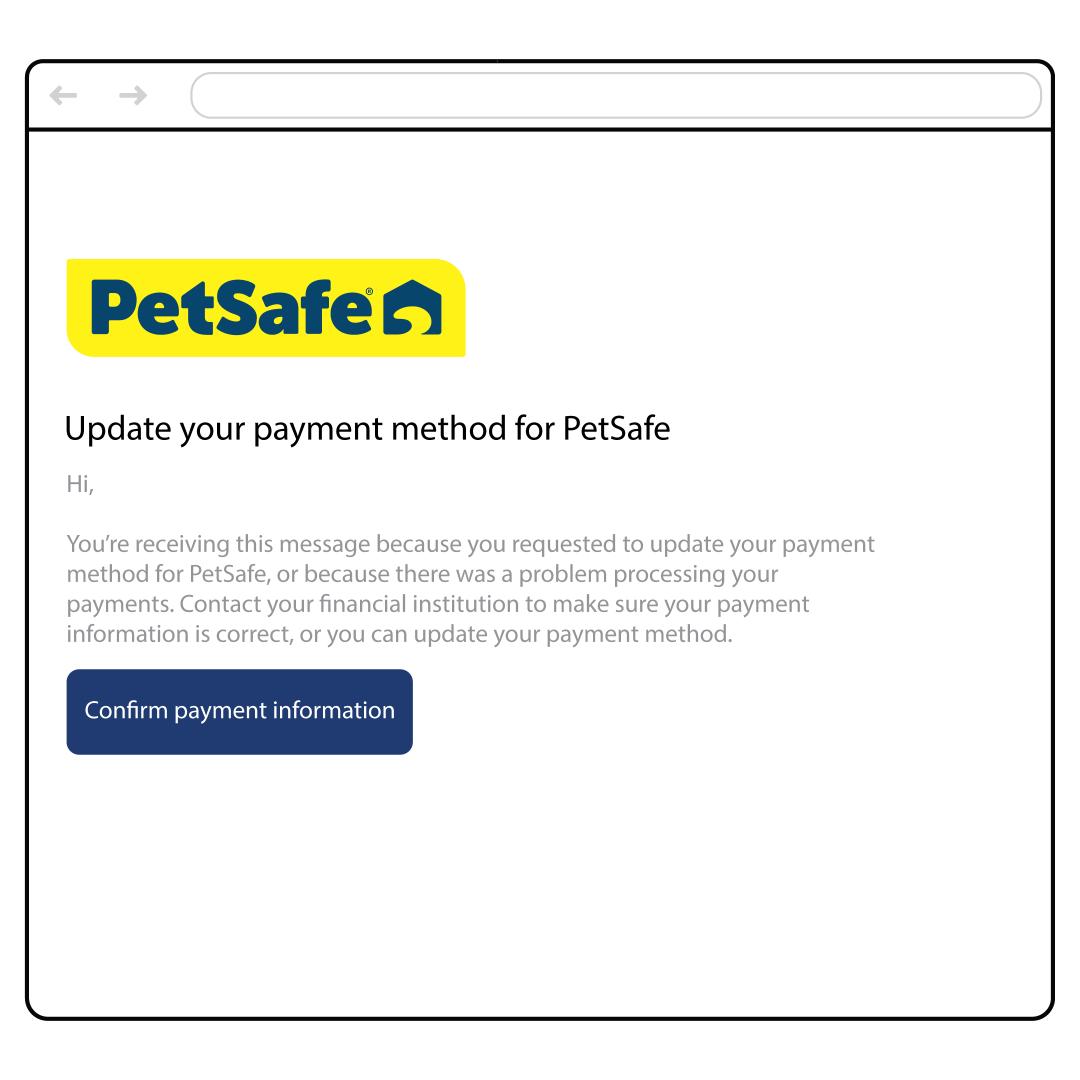
Open the email you receive and select Confirm Payment Information.
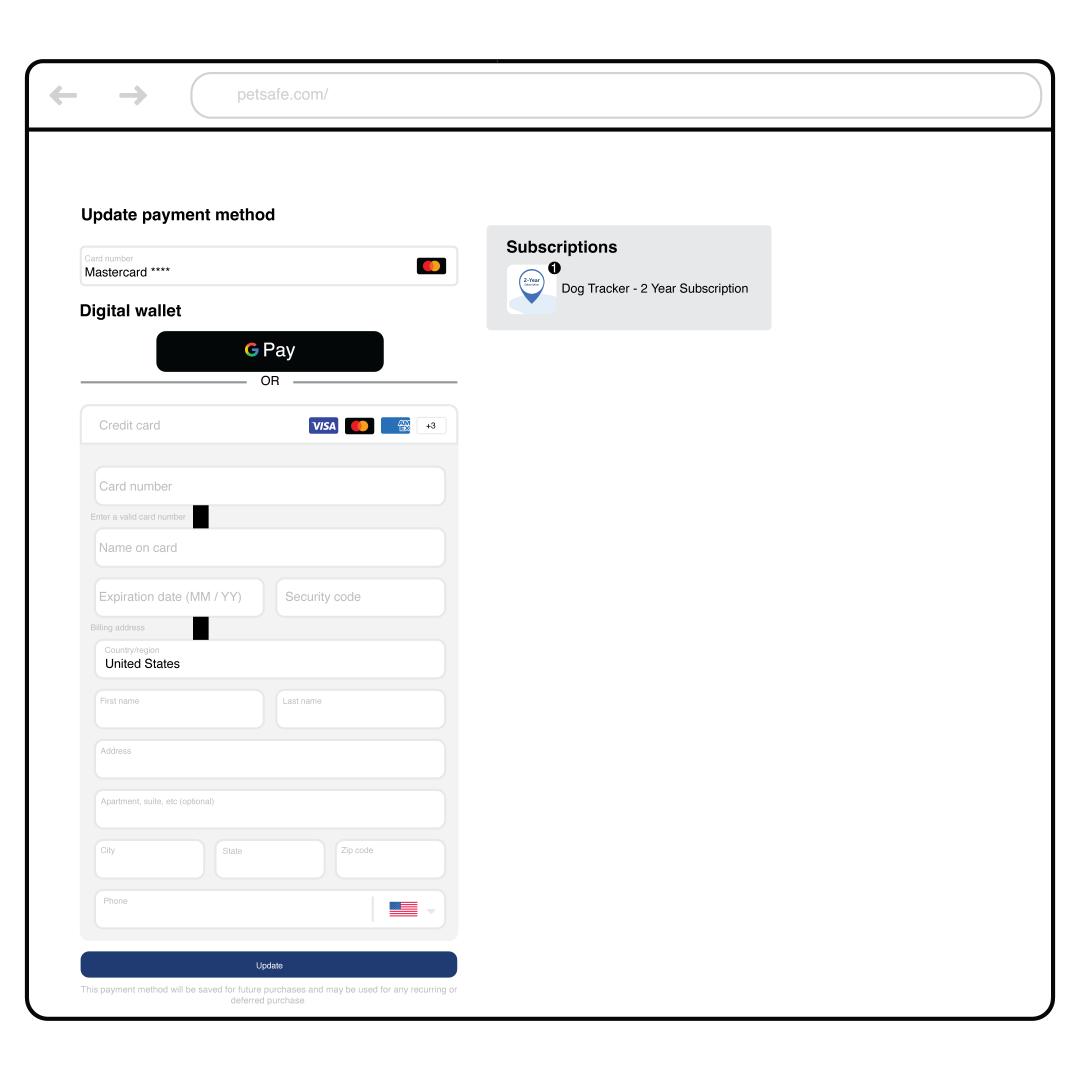
Enter your new payment information and select Update.
Select Continue Shopping. Your payment information is now updated and will be used for billing.